On this page 5 sections
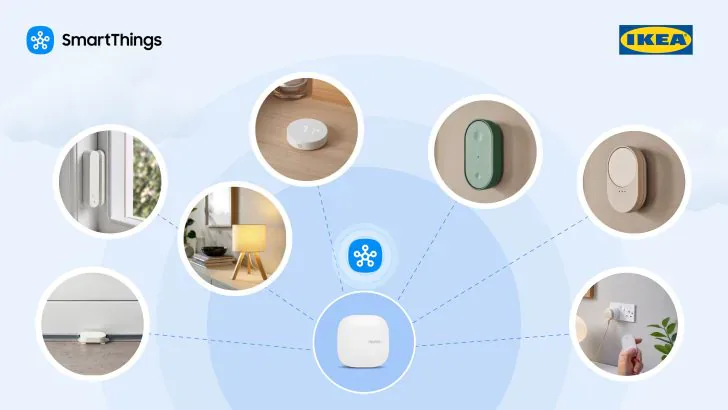
Samsung now documents blind control for IKEA's BILRESA scroll-wheel remote through SmartThings. In a September 28 update, Samsung says the wheel currently controls lighting and blinds, and names Matter and Zigbee. Its April announcement had limited BILRESA to lighting and said blind control would arrive later in 2026.
That before-and-after makes the roughly $10 wheel easier to justify for a SmartThings home with shades. It does not establish support for every blind, app version or button mapping. Confirm the hub has firmware 0.62.7 or later, install the latest SmartThings app, then test one compatible window covering before buying remotes for a whole room.
The April promise is now a current feature
Samsung's April SmartThings-IKEA announcement said BILRESA could adjust light brightness and color temperature, but a footnote restricted current support to lighting. Blind control was still promised for later in the year.
The September post removes that future tense. Samsung now describes lighting and blind control as current and parenthetically names Matter and Zigbee. SmartThings' firmware notes are more specific: scroll wheels can control window coverings connected through either protocol. The BILRESA family reviewed by Matterhome uses Matter over Thread; Samsung does not establish a separate Zigbee BILRESA version here.
There is still a documentation gap. Samsung does not identify the minimum SmartThings app version, list supported blind models or explain how the wheel's three selectable groups map to window coverings. Matterhome has not tested this behavior, so the sensible purchase is one wheel for one known blind rather than a multi-room order based on the general claim.
Hub firmware and the app both matter
SmartThings tied the underlying change to hub firmware 0.62.7. Its release notes added control of Zigbee and Matter window coverings with scroll wheels, alongside finer BILRESA lighting preferences. The notes also marked window-covering control as dependent on an upcoming SmartThings app version.
Firmware 0.62.7 targeted the Samsung SmartThings Hub 2015 and 2018, Aeotec Smart Home Hub and Smart Home Hub 2, and ThingsOne Smart Home Hub. The rollout began September 8, and the official status page marked it completed on September 16. A later follow-up for the same hubs, 0.62.14, marked completed on October 20, replaced the paused 0.62.13 and carries fixes for Matter device firmware updates, local app connections and Z-Wave repair. Its notes add nothing for window coverings, so blind control still depends on 0.62.7 and the app. Matterhome's SmartThings firmware story has the details. Samsung's September 28 post presents blind control as current, but still does not name the matching app version, and the release notes for iOS version 1.7.52 (October 14) and the October 12 Android update do not mention window coverings. If the control is missing, check both sides before resetting the remote or blind.
For Matter-over-Thread BILRESA, the selected SmartThings hub must also provide Thread support. Samsung says DIRIGERA is not required when supported IKEA Matter devices connect directly to a compatible SmartThings hub. A Zigbee blind takes a different radio path from the remote and should not be treated as proof that the home's Thread setup is ready.
Start the rest of the IKEA setup with a powered device
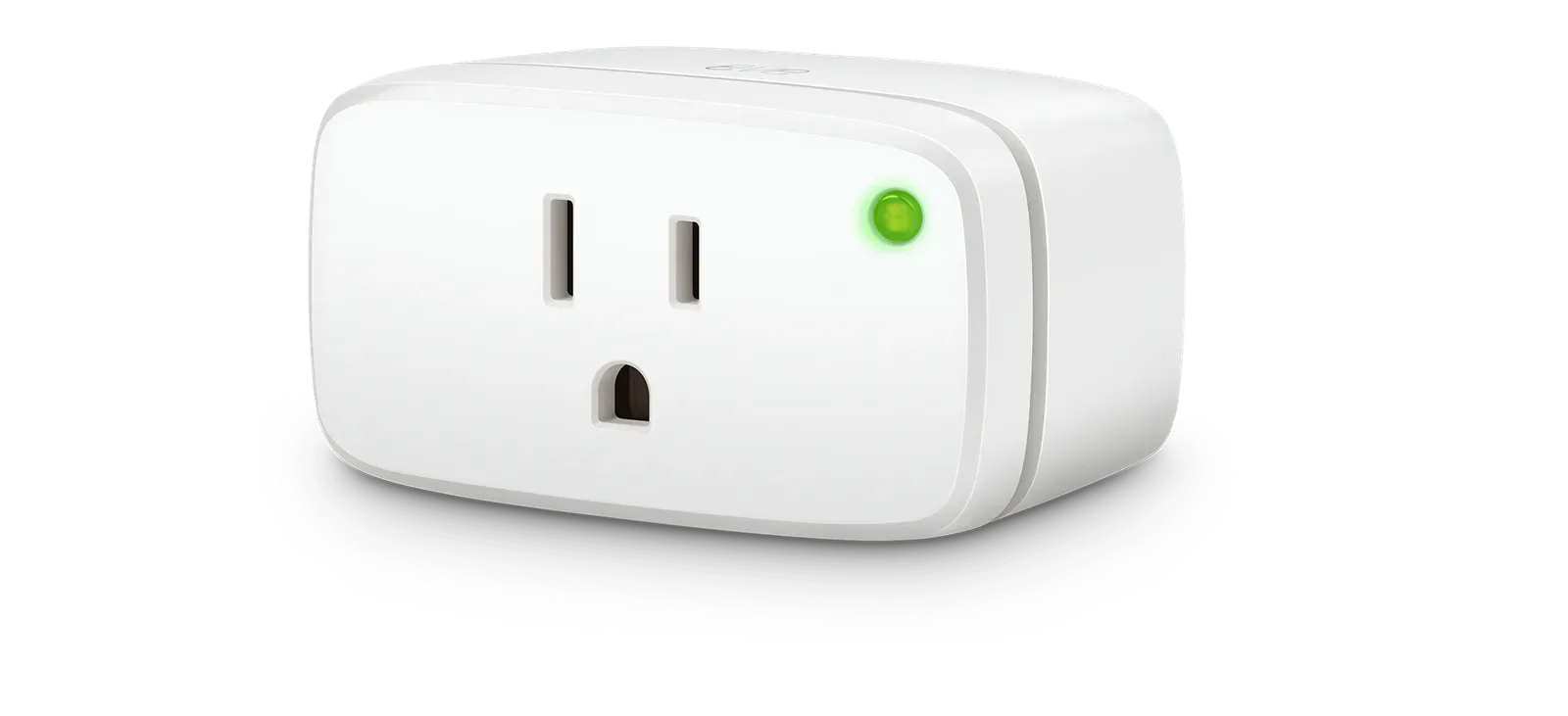
The first IKEA Matter purchase for a SmartThings home should usually be a powered device. GRILLPLATS is the obvious test case because it is a cheap plug, it uses Matter over Thread, and IKEA says it can track power usage. If it pairs reliably, switches promptly, and exposes the data you expected in SmartThings, the home is in a better position to add battery sensors.
Battery devices are where Thread placement matters more. MYGGBETT, MYGGSPRAY, TIMMERFLOTTE, KLIPPBOK, and ALPSTUGA are attractive because IKEA has put Matter on the kinds of sensors people actually scatter around a house. They are also the devices most likely to expose a weak mesh, a bad final location, or a platform-specific sensor display gap.
KAJPLATS bulbs sit in the middle. They are powered Thread devices, so they can be useful room infrastructure, but they are still lighting products with color, grouping, remote, and firmware questions. If the room depends on IKEA remotes or IKEA-specific light behavior, keep DIRIGERA in the decision rather than assuming SmartThings alone is the better home for every setting.
SmartThings support is not the full IKEA app path
Samsung's announcement is good news for SmartThings households because it lowers the friction around trying IKEA's Matter line. It does not turn SmartThings into the IKEA Home smart app. Matter should cover the common device behavior: light control, plug switching, contact state, temperature, humidity, motion, or similar shared attributes depending on the device type. Setup help, firmware handling, accessory pairings, remote behavior, and some readings can still be cleaner in IKEA's own app path.
That split matters most for buyers who want a whole-room IKEA setup. A single GRILLPLATS plug, MYGGBETT contact sensor or BILRESA wheel is a reasonable SmartThings experiment. A room full of KAJPLATS bulbs, BILRESA remotes and IKEA automations is a stronger reason to compare direct SmartThings pairing with DIRIGERA plus Matter bridge exposure.
What to check before scaling up
Before buying several IKEA devices for SmartThings, confirm three things. First, the SmartThings hub or controller you plan to use supports Thread for Matter devices. Second, the device type appears in SmartThings with the state or reading you actually need. Third, the final room has enough Thread coverage, especially for battery sensors on doors, cabinets, basements, or exterior walls.
The right SmartThings move is small and boring: start with one powered IKEA Matter device, add one battery sensor or remote only after the plug or bulb is stable, and keep the Matter codes accessible until the room has proven itself.
- Editor
- JC Martinez
AI tools may help draft or organize pages. Matterhome checks product claims against cited sources before publication.
Spot a mistake or missing context?
Send a quick note so it can be checked against the source material.